
Virtual Reality has become an increasingly valuable tool for engineering, design reviews, factory planning, and customer presentations.
VR offers Creo users the opportunity to experience products at full scale, improve communication between stakeholders, and review designs in a more intuitive way than traditional desktop workflows.
But how can you actually use Creo in VR?
What should you consider before introducing VR into your engineering workflow?
This article explains the benefits of using Creo in Virtual Reality, how moreViz enables a direct live connection between Creo and VR, and which factors contribute to a successful implementation.
Why Use Creo in VR?
Creo already provides powerful 3D visualization capabilities. However, some aspects of a design remain difficult to fully understand on a 2D monitor.
Virtual Reality opens new possibilities for design reviews at true scale, maintenance accessibility checks, ergonomic evaluations, and immersive customer and stakeholder presentations.
Instead of rotating a model on a screen, users can walk around equipment, inspect critical areas, and better understand spatial relationships between components.
This often helps identify issues that might otherwise remain unnoticed until much later in the project. It also allows for quickly testing different variants and modifications.
It can significantly reduce prototype costs and shorten design cycles, as changes can be implemented and reviewed more quickly.
VR can also improve communication.
Not everyone involved in a project is a CAD expert. Customers, management teams, suppliers, and project stakeholders often find it difficult to interpret technical drawings or complex 3D models.
Experiencing a project in VR makes discussions more intuitive and can help explain design decisions, space requirements, project progress, and even justify certain project costs more effectively than screenshots or presentations alone.
How to Use Creo in VR
One of the biggest challenges when introducing VR is integrating it into existing workflows.
Many traditional CAD-to-VR solutions require users to export CAD data, convert files into another format, optimize geometry and import data into VR. That process must often be repeated every time the model changes.
For occasional demonstrations this may be acceptable. For regular engineering work it quickly becomes inefficient.
Using Creo in VR with moreViz
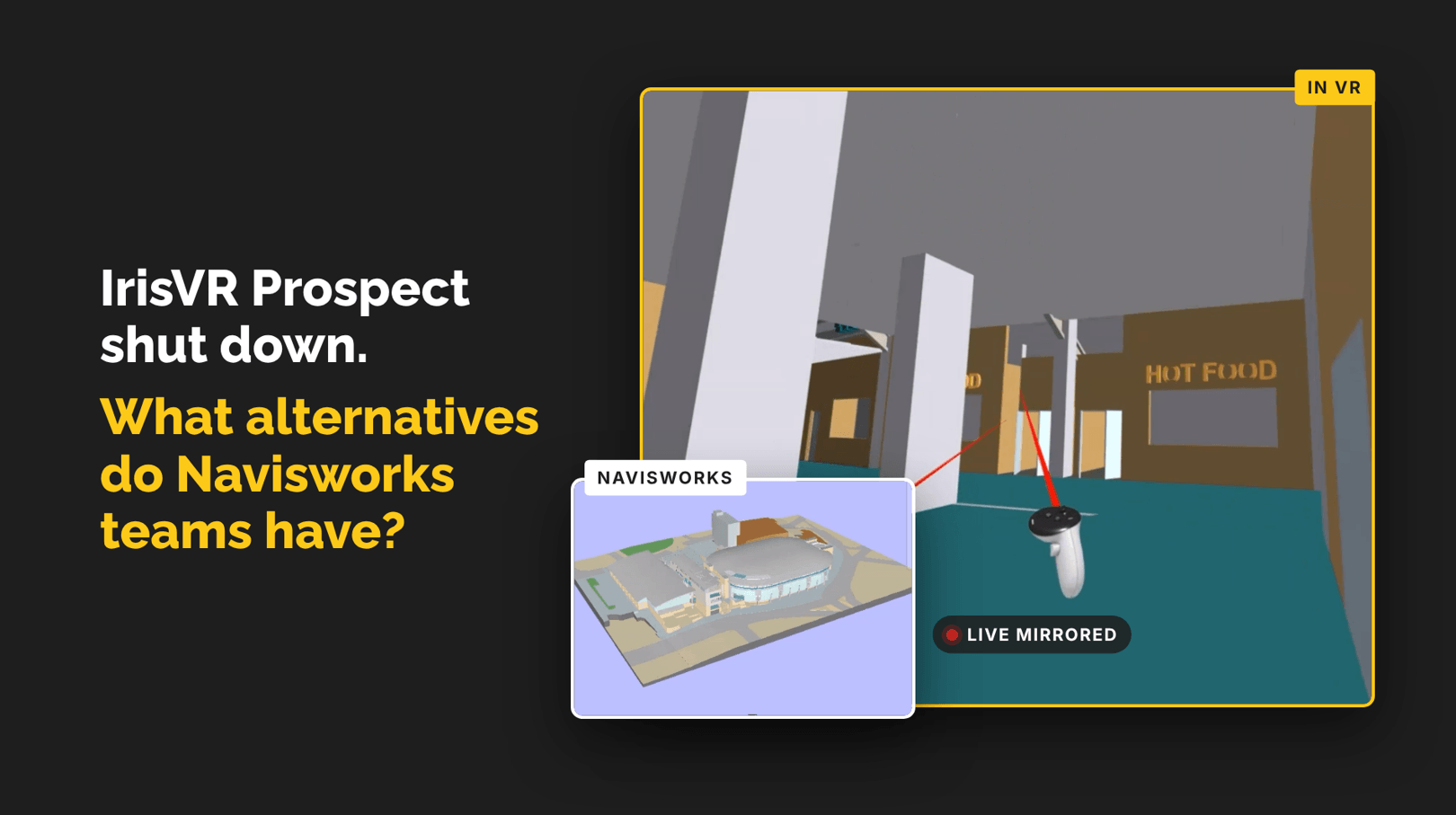
moreViz takes a different approach. Instead of relying on exports and conversions, moreViz acts as a real-time VR bridge between Creo and the VR system by using the native 3D output of Creo. Engineers continue working in their familiar CAD environment while viewing the application directly in Virtual Reality.
This allows users to enter VR within seconds. This makes VR practical not only for demonstrations but also for daily engineering use.
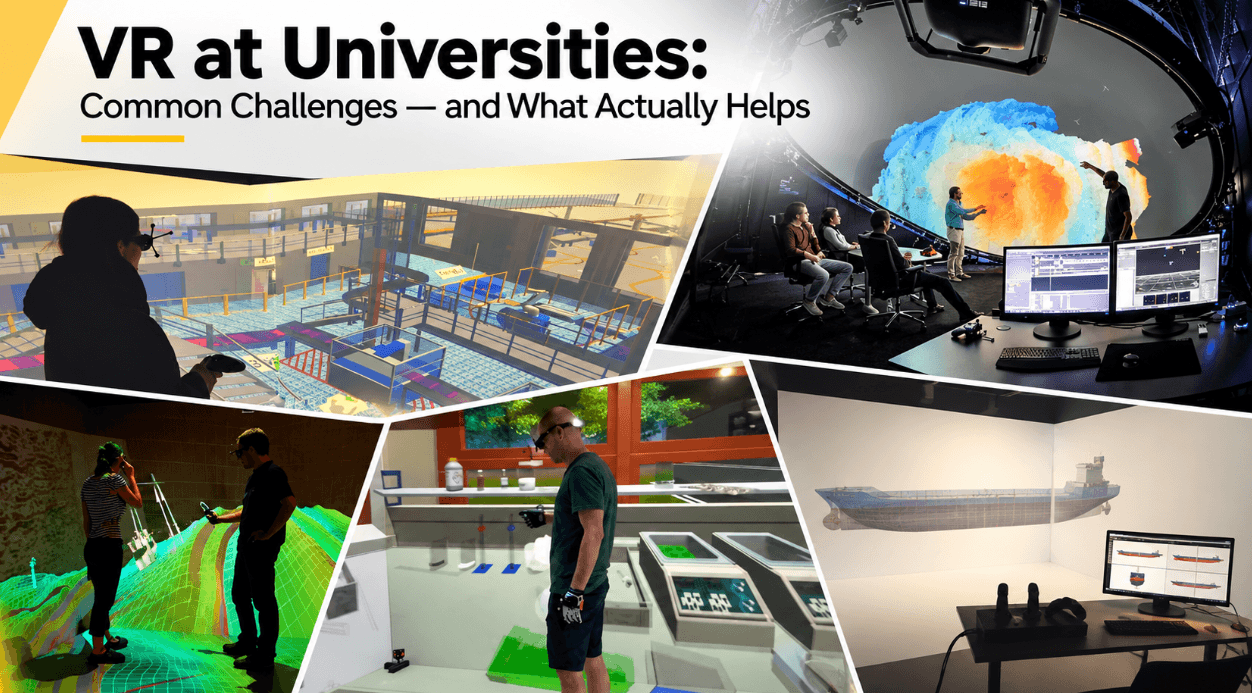
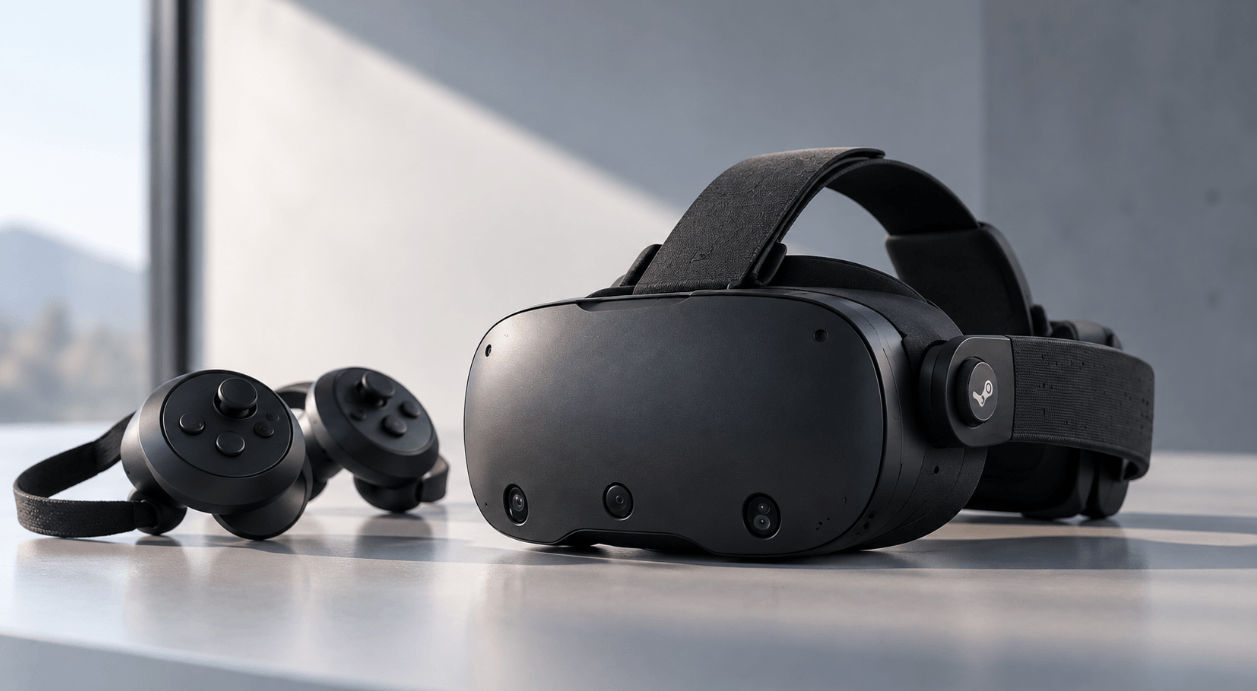
moreViz can connect Creo to a wide range of VR hardware, including VR headsets (HMDs) such as Meta Quest, HTC Vive, Pico, and Valve Index, which are ideal for individual reviews, remote collaboration, training, and mobile demonstrations.
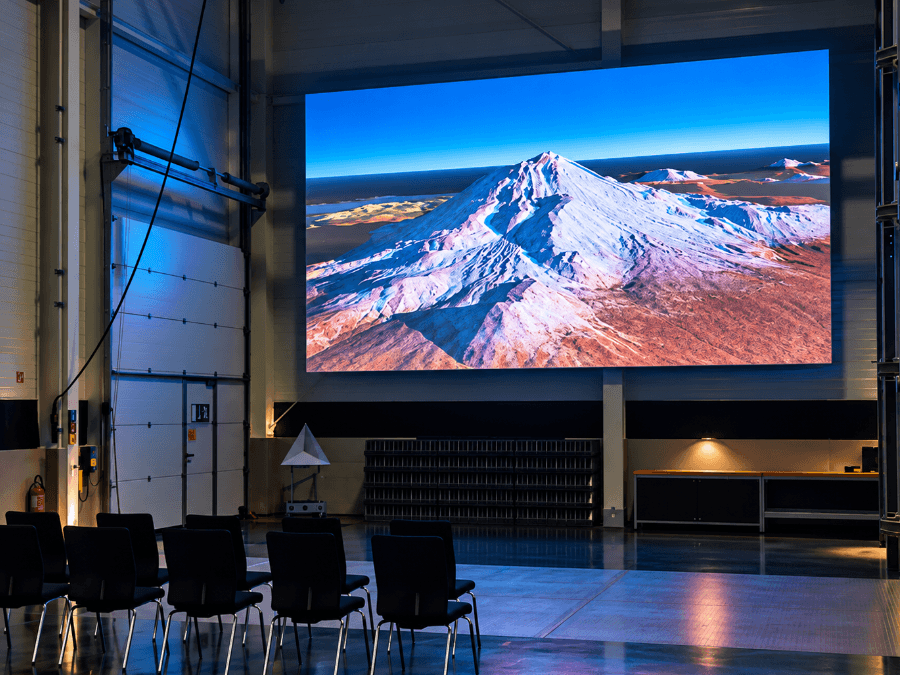
But moreViz can also power VR Powerwalls, VR CAVEs, and Domes. These systems are particularly well suited for collaborative reviews where multiple people need to discuss a design together without wearing headsets.
Depending on the system, professional tracking solutions such as Advanced Realtime Tracking GmbH & Co. KG or OptiTrack, A Motion Capture Technology Company may also be required.
To learn more about selecting the right VR hardware and setup, see our VR Guide 2026.
Collaboration Mode: Review Creo Models Together
Modern engineering projects rarely happen in a single location. Design teams, suppliers, customers, and project managers are often distributed across different offices, countries, or even continents.
moreViz includes a Collaboration Mode that allows multiple users to connect to the same VR session regardless of location. This enables teams to conduct remote design reviews together in real time.
This reduces travel requirements, improves communication with customers and suppliers, and helps reduce misunderstandings. Instead of relying on screen sharing, everyone can experience the same model together in an immersive environment.
With sketch tools, scene recordings, markers, and teleportation functions, moreViz offers features that make review sessions more productive and structured.
Composition Mode: Combining Creo with Other Applications
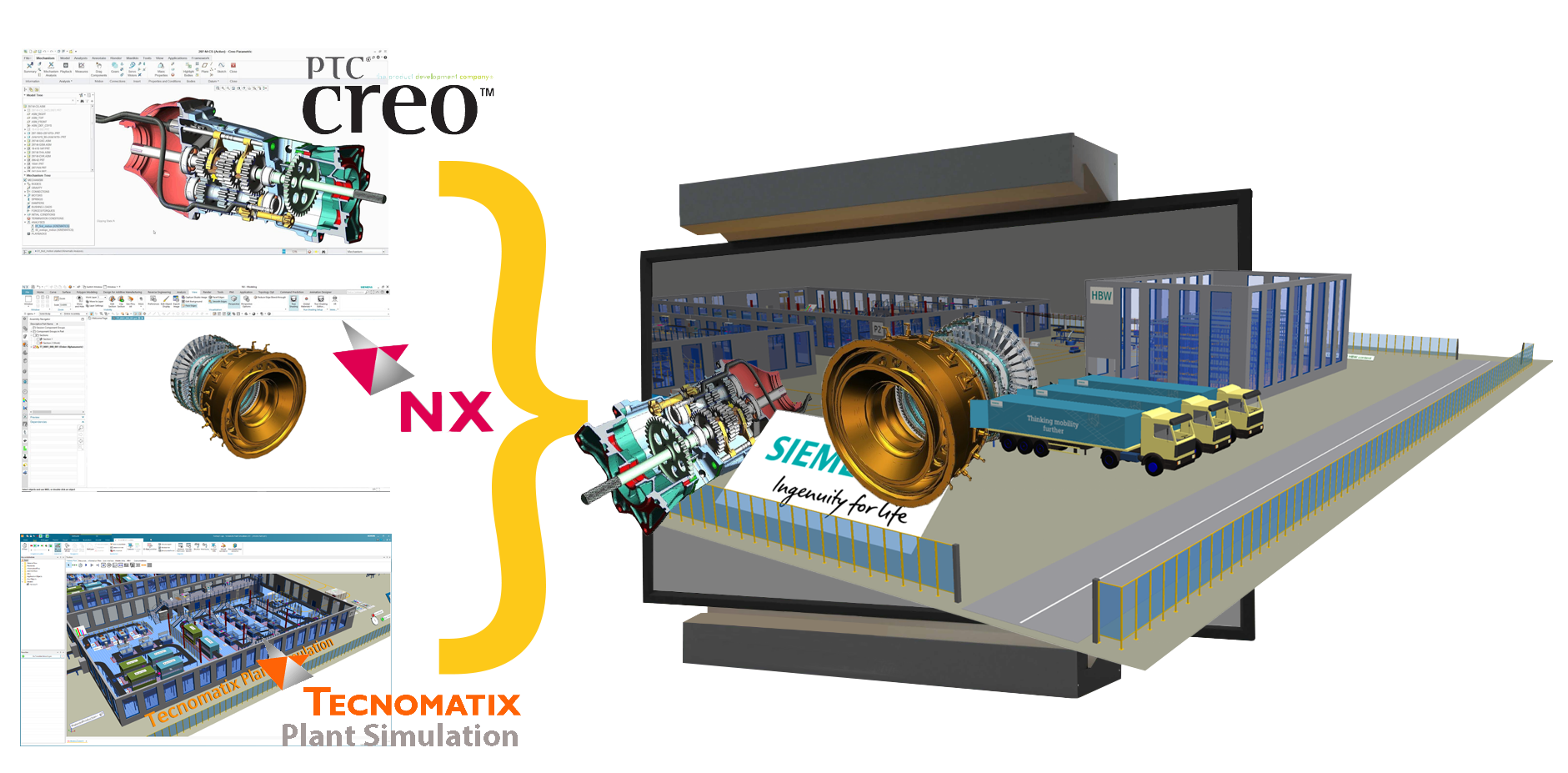
Engineering decisions are rarely based on CAD data from a single application alone.
Important information is often spread across multiple applications, and constantly switching between software packages can make reviews less efficient.
To solve this challenge, moreViz includes a Composition Mode that allows up to five applications to be combined within a single VR session. This enables users to view different sources of information together in the same immersive environment.
For example, a team could review a Creo model while simultaneously displaying simulation results, manufacturing planning software, or technical documentation.
The result is a more complete understanding of the project and faster decision-making.
What to Consider When Using Creo in VR
The success of a VR project depends less on the headset and more on the overall workflow. Before implementing VR, it is worth considering a few important questions.
Define Clear Use Cases
The most successful VR projects typically start with a specific objective, such as:
Design reviews
Factory planning
Customer presentations
Training
Remote collaboration
Starting with a clear use case helps improve adoption and makes it easier to measure success. Planning for these use cases from the beginning can increase the overall value of the VR system.
Keep the Workflow Simple
One of the most common reasons VR projects fail is complexity. If entering VR requires too many steps, users eventually stop using it. The easier the workflow, the higher the adoption rate tends to be.
Conclusion
Using Creo in VR can significantly improve design reviews, collaboration, and communication throughout a project.
The challenge is not getting CAD data into a headset.
The challenge is creating a workflow that engineers and project teams will actually use.
By providing a direct live connection between Creo and Virtual Reality, supporting a wide range of immersive hardware, enabling remote collaboration, and allowing multiple applications to be combined in a single VR session, moreViz helps make VR a practical tool for everyday engineering work rather than an occasional demonstration.