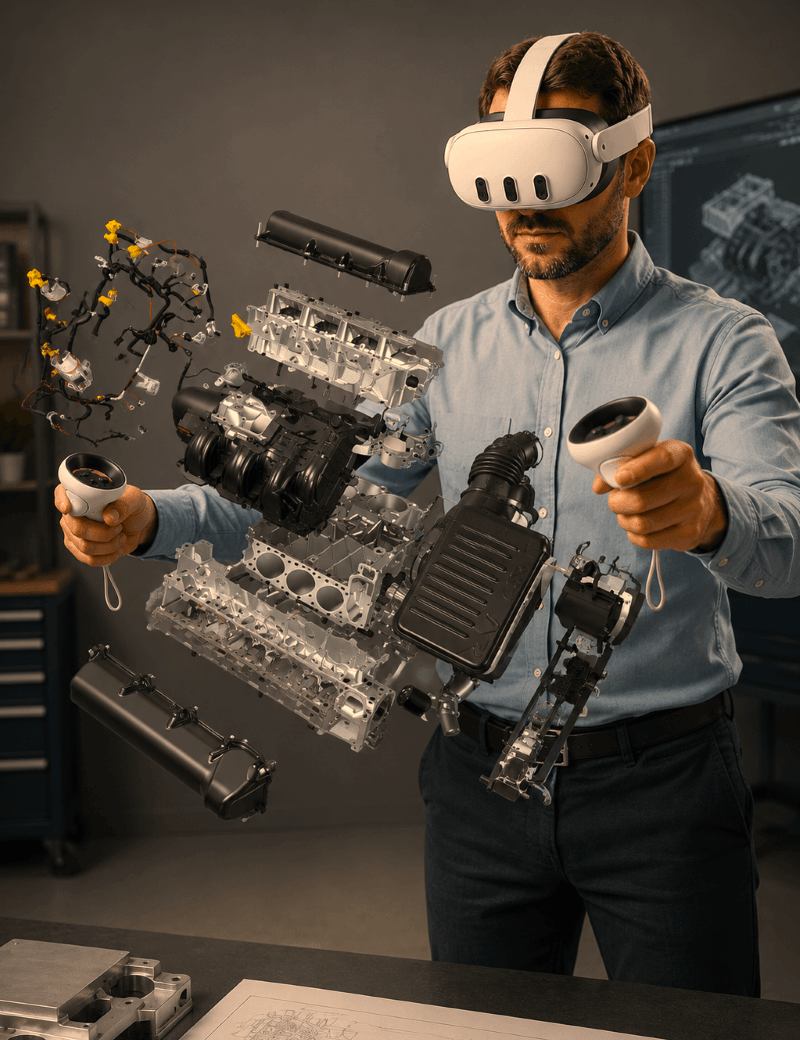
VR HMD Solutions for Industry, Education and Research
VR Headset Solutions for Professional 3D Visualization
✔ Mobile and flexible: Use VR wherever your work takes you.
✔ Cost-efficient: Start VR with a simple, compact setup.
✔ One click to VR: View CAD models directly with moreViz.
Practical Use Cases
Why choose a VR Headset (HMD)?
Portable & Flexible
Use them anywhere - from home offices to factory floors. HMDS require no dedicated VR space.
Cost-Effective
Compared to Powerwalls or CAVEs, HMDS are a more affordable way to immersive VR.
Engaging & Personal
Users experience VR at full depth and scale, improving focus, retention, and understanding.
Fast Setup
Get started in minutes. Just connect the HMD, launch moreViz and your application.
Remote-Ready
Join shared VR sessions from anywhere using moreViz - ideal for teams and hybrid workflows.
Mixed Reality
With passthrough and XR features, some HMD support hybrid workflows and real-world overlays.
Immerse in your project wherever you are
Types of VR Headsets
Standalone HMDs
Tethered HMDs
Mixed Reality HMDs
Real use case for VR Headsets
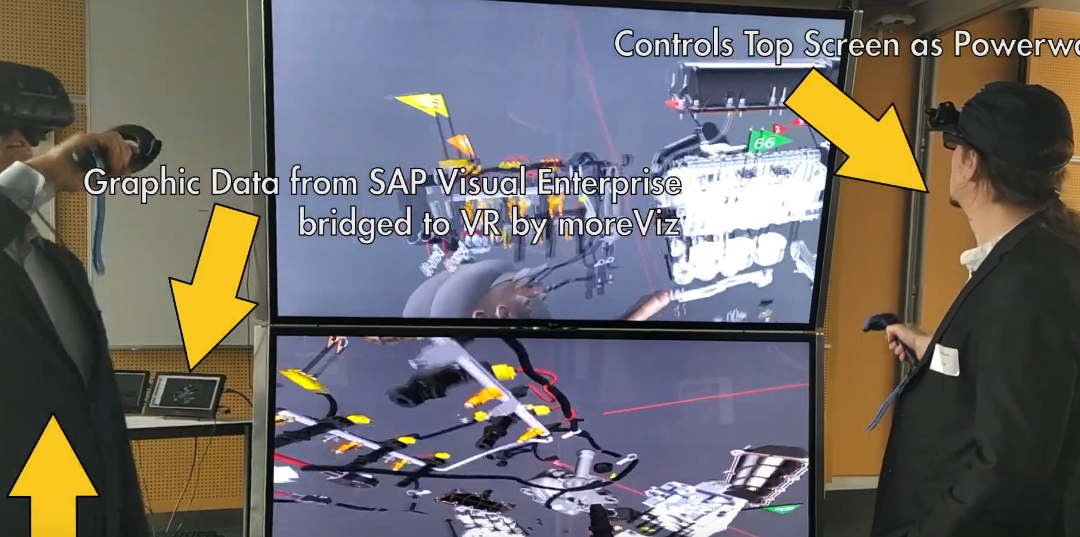
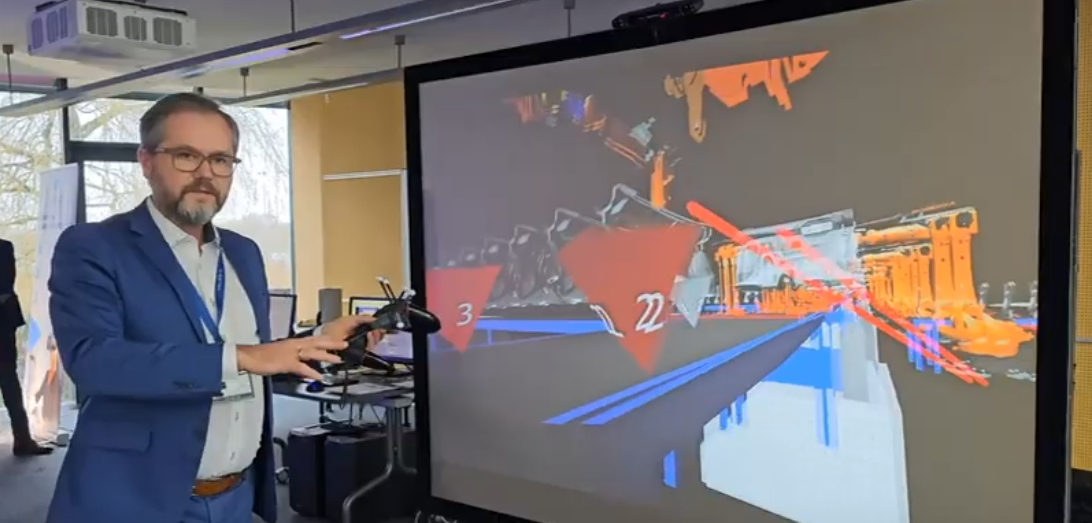
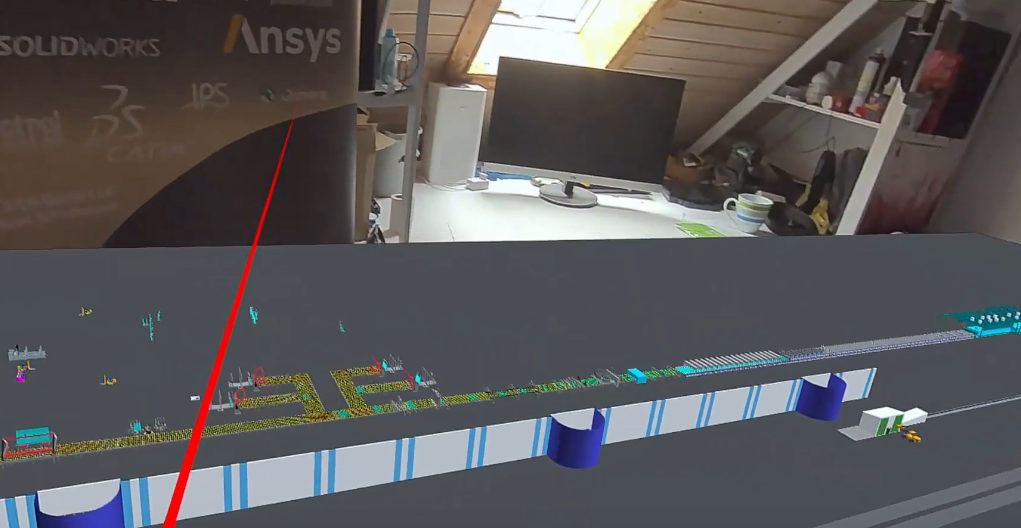
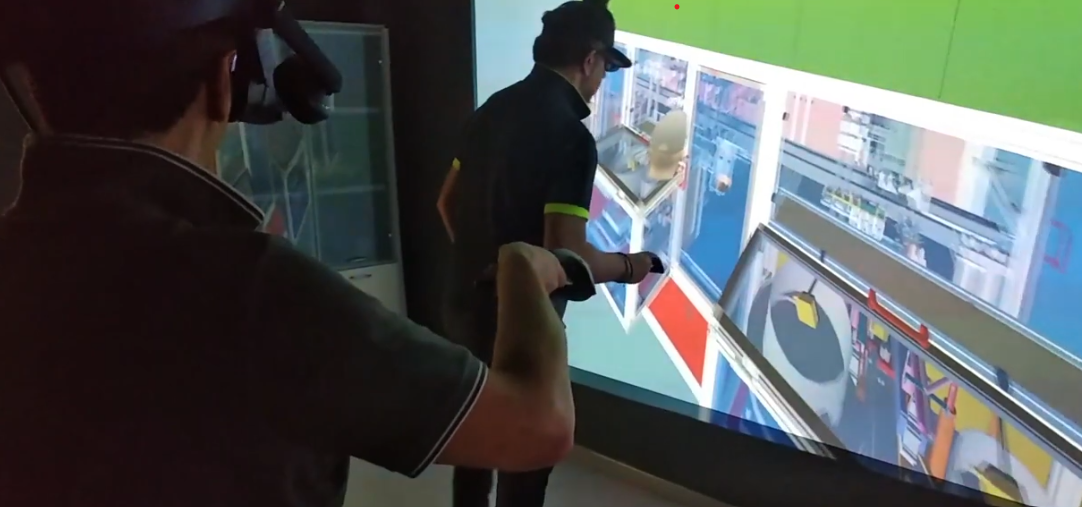
VR Head Mounted Displays (HMD)
CAD Design Reviews
Inspect complex models at full scale and identify issues earlier.
Mobile Presentations
Bring immersive demonstrations directly to customers or events.
Training & Simulation
Train safely without risking equipment, materials, or personnel.
Ergonomic Validation
Check reach, visibility, movement, and operator comfort before production.
Remote Collaboration
Review the same 3D model together from different locations.
Research & Education
Explore complex data and concepts in an engaging environment.
VR Head Mounted Displays
FAQ about VR HMDs
Is Local & Remote Collaboration possible?
With moreViz, HMD users can:
Join hybrid sessions with CAVEs, Powerwalls, or other HMD users
Interact with real-time 3D content
Share annotations, navigate independently or in sync
Participate in design reviews or simulations from anywhere
What do I need for an HMD setup?
To get started with VR using an HMD, you need:
A supported HMD (Standalone or PC-tethered)
A VR-capable PC (for tethered HMDs)
Tracking system (external or built-in, depending on HMD type)
Software such as moreViz to connect your 3D applications to VR
Installation is typically plug-and-play—especially with moreViz’s OpenXR and SteamVR support.
How many HMDs should I get?
It depends on your workflow.
For individual work (e.g., design reviews or training): 1 HMD may be enough
For collaboration: 2 – 4 HMDs allow small team sessions
For hybrid setups with Powerwall or CAVE: 1 – 2 additional HMDs enable remote participation
- For larger groups (e.g., classrooms or workshops): You may consider ~15 HMDs for a class of 30, enabling rotation and shared use without needing one per person.
Start small and scale as needed – more3D can help assess your ideal setup.
What are the key advantages of HMDs?
Affordable and mobile – No dedicated space required
Highly immersive – Full 360° field of view and intuitive interaction
Flexible – Use anywhere, connect remotely, and combine with other VR systems
Scalable – Start with one device and expand based on your team’s needs
What do HMDs cost?
Prices vary by type and features:
Entry-level HMDs (e.g., Meta Quest 3) start around €500
Mid-range HMDs (e.g., HP Reverb G2, Vive Pro 2) range from €700 – €1,200
High-end HMDs (e.g., Varjo XR-3, XTAL) can cost €5,000+
more3D supports all major devices and can advise on the best fit for your workflow and budget.
Which HMDs can be recommended?
moreViz supports nearly every Head Mounted Displays (HMD). Find here a selection of Head Mounted Displays our QA team found to be suitable for an exceptionally good Virtual Reality experience. If your HMD is not listed that does not mean it doesn’t work with moreViz. Just get in touch with us.
Comfortable VR HMD Use
VR Motion Sickness:
How to prevent it
VR motion sickness can cause nausea, dizziness, headaches, or disorientation. It often occurs when the movement seen in the VR HMD does not match the movement detected by the body. The good news is: VR motion sickness can easily be prevented:
Stable Performance
Use sufficient graphics power to maintain a consistently high frame rate.
Precise Tracking
Ensure that head, hand, and body movements are reproduced accurately.
Natural Navigation
Let users move physically where possible and avoid sudden virtual acceleration.
Shorter Sessions
Start with brief sessions, take regular breaks, and stop when symptoms appear.
Did You Know?
Headsets are not the only option for immersive 3D visualisation. Projection-based systems such as a VR CAVE or VR Powerwall can be comfortable alternatives for users who do not enjoy wearing an HMD. They also support natural communication and shared group reviews. Learn more about VR motion sickness and how to reduce it
Which VR HMDs can be recommended?
The best VR Headsets
Using the headset requires a Meta account and acceptance of Meta’s applicable data privacy policy. When used with moreViz via OpenXR, it also requires Meta Home and either a Link cable or a compatible wireless streaming solution.
Required software: Oculus Home / Meta Home
The headset is fully compatible with moreViz and is particularly suitable for engineering, design reviews, and simulation. Its high visual quality and reliable tracking make it a strong choice for detailed models and regular professional use.
Required software: Vive Console / SteamVR
The headset runs natively with Windows Mixed Reality and is compatible with moreViz via OpenXR. Its sharp image quality makes it particularly suitable for engineering, CAD reviews, and applications where fine model details need to remain clearly visible.
Required software: Windows Mixed Reality / Recommended: SteamVR
Combined with precise SteamVR tracking and full moreViz support, the headset is particularly suitable for simulation, scientific research, engineering, and design visualisation where accuracy, image quality, and reliable performance are essential.
Required software: SteamVR / Varjo Runtime
With full moreViz support, the Valve Index is a reliable choice for engineering, design reviews, simulation, and training applications where accurate interaction, stable tracking, and high refresh rates are important.
Required software: SteamVR
Combined with moreViz and SteamVR, the Vive Focus series is a versatile option for training, industrial use, and education where mobility, wireless access, and flexible deployment are important.
Required software: Vive Console / SteamVR
With full moreViz compatibility, Pimax headsets are well suited for simulation, engineering, and high-fidelity 3D visualisation where wide peripheral vision, detailed imagery, and immersive spatial perception are important.
Required software: Pimax Runtime / SteamVR
With support for the moreViz VR Bridge, Oculus Rift headsets are suitable for basic design reviews, training, and budget-conscious VR applications where proven hardware and simple operation are sufficient.
Required software: Oculus Home / Meta Home / Recommended: SteamVR
With seamless moreViz and SteamVR integration, XTAL headsets are well suited for design, simulation, defence, and other high-end applications where visual quality, natural interaction, and comfort during extended use are essential.
Required software: SteamVR
Practical VR insights
Stay up to date with more3D
Get useful insights for VR projects, new moreViz features and real-world case studies. No hype. Just practical information for planning and using VR effectively.
How the VR Visualization Works
From CAD to VR in Minutes
Bringing your designs into virtual reality has never been easier. With moreViz, you can view and interact with your existing 3D models – without modifying your source code or exporting files. Just 3 simple steps.
Step 1 - Install moreViz Software
Install moreViz, connect your VR hardware, and follow our step-by-step guide - or let us support you directly.
Step 2 - Launch Your Application
Start your OpenGL software - like Siemens NX or PTC Creo - and see your 3D model in full-scale VR, instantly.
Step 3 - Explore, Present, Decide
Walk through your design and run virtual reviews. We’re happy to help with setup and maintenance.