VR CAVE and DOME Solutions for Industry, Education and Research
Immerse with your Team:
VR CAVE and DOME Solutions
✔ Group immersion without headsets
✔ Full-scale spatial reviews and presentations
✔ Ideal for VR Labs and Training simulations
Benefits of 3D & VR Visualization
Why choose a VR CAVE or DOME?
Shared View
All users see the same scene in real time, enabling true group collaboration and discussion.
Natural Interaction
Users can speak, point, and move naturally, improving teamwork and understanding.
Increased Comfort
No headset pressure or disorientation, allowing longer, natural immersion for everyone.
High Visual Fidelity
Multi-projector systems offer sharper visuals than HMD, with true 3D spatial perception.
Easy Remote Acces
Remote HMD users can join sessions live, enabling hybrid collaboration from anywhere.
Instructor-Friendly
Trainers can guide sessions clearly without wearing a headset, ideal for demos and education.
One VR CAVE Is Not Like Another
Choose the Right VR CAVE or DOME Setup
VR DOME
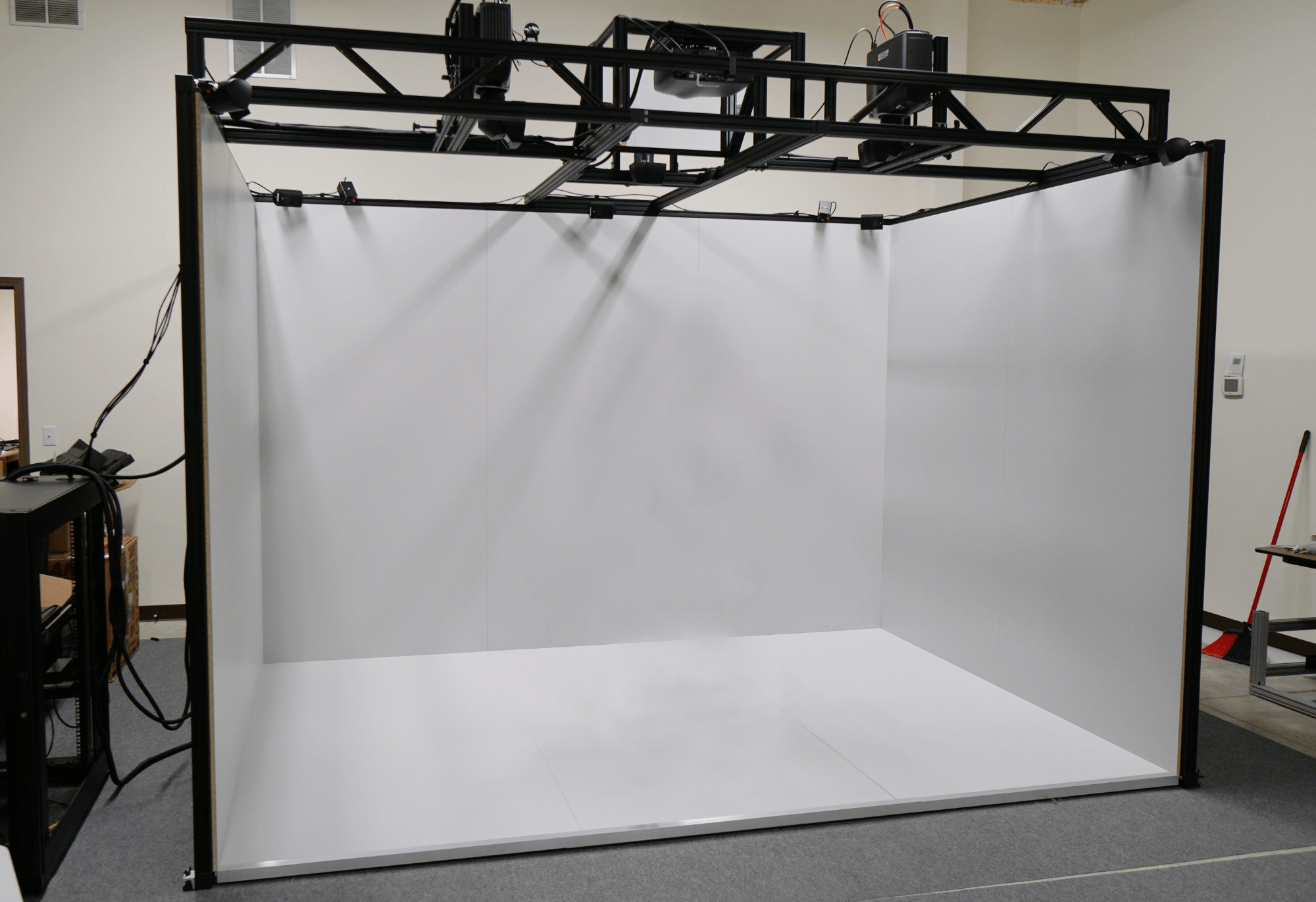
Corner CAVE
FuLL CAVE
Learn from VR CAVES Case Studies
Successfull VR CAVE and DOME Projects
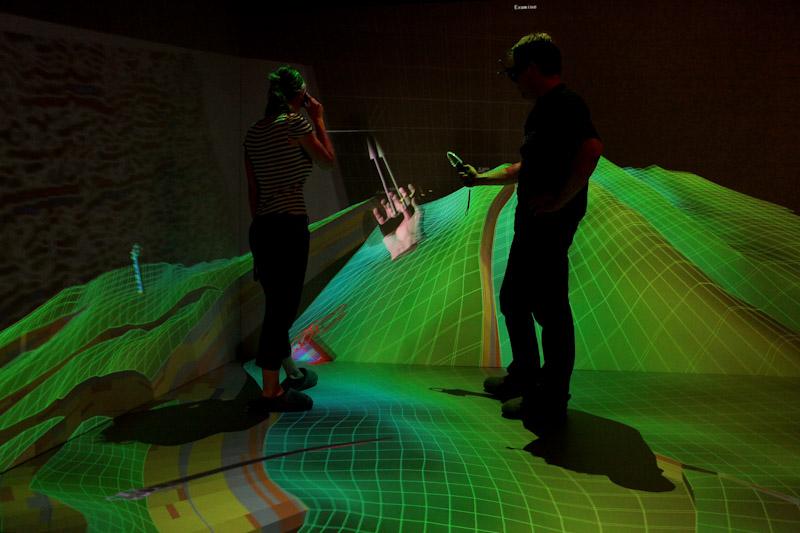
Case Study: Bringing Data to Life – The 3D CAVE at the University of Potsdam
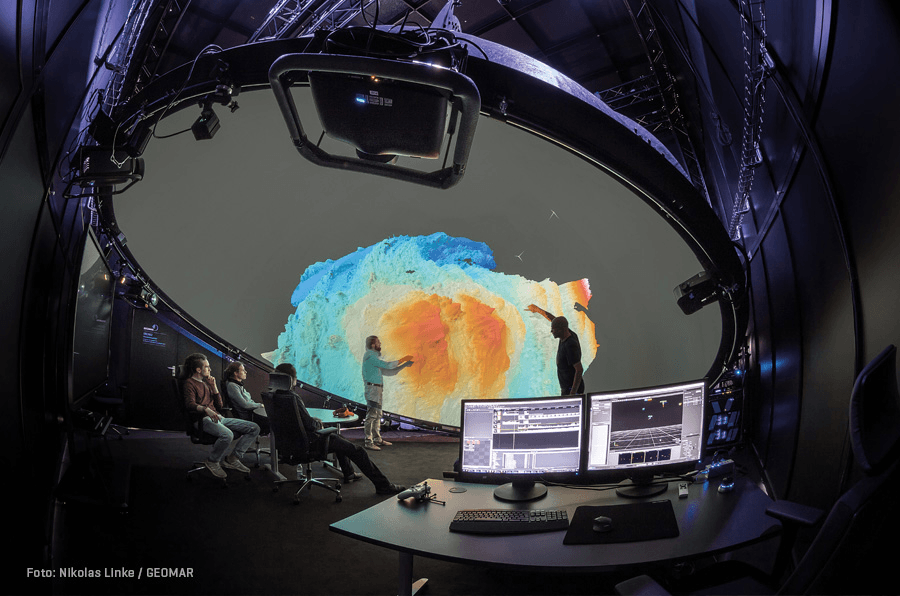
Case Study: When Every Second in the Field Costs €1, Smart Visualization Makes the Difference – GEOMAR’s VR Dome with moreViz
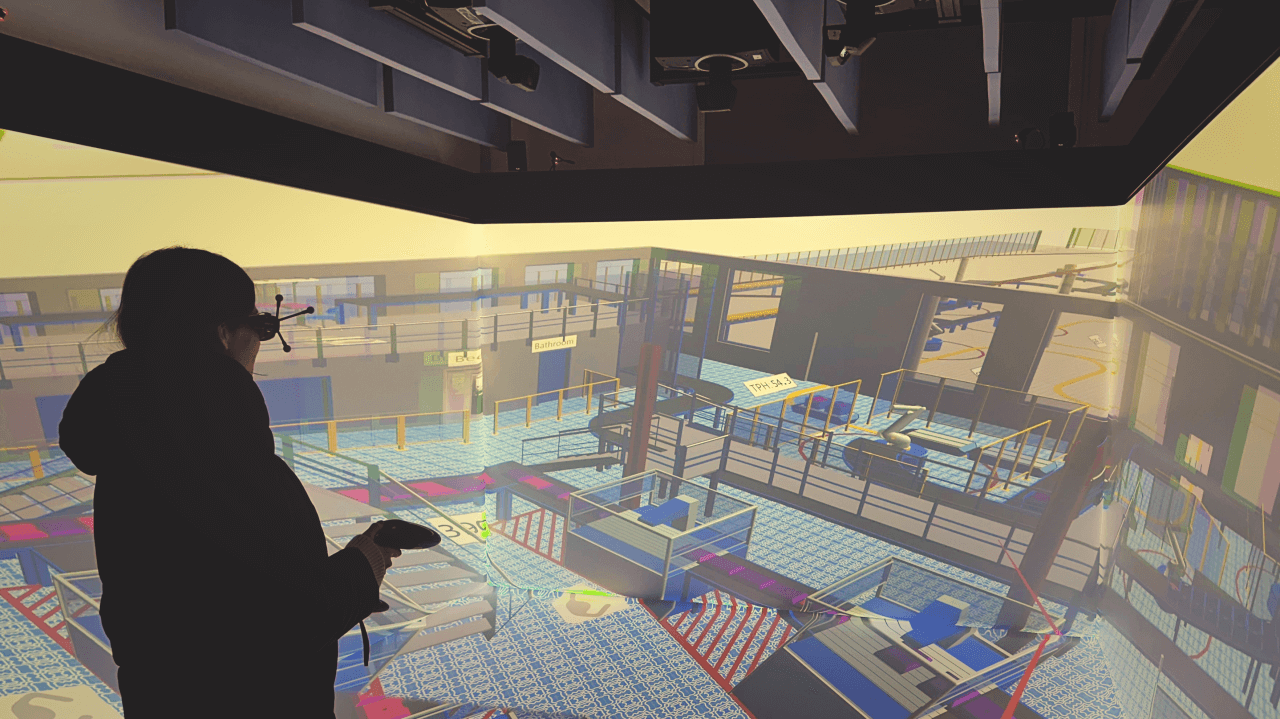
Case Study: Hochschule Zittau/Görlitz — A New Chapter in Engineering Education with a VR CAVE Powered by Imsys and more3D
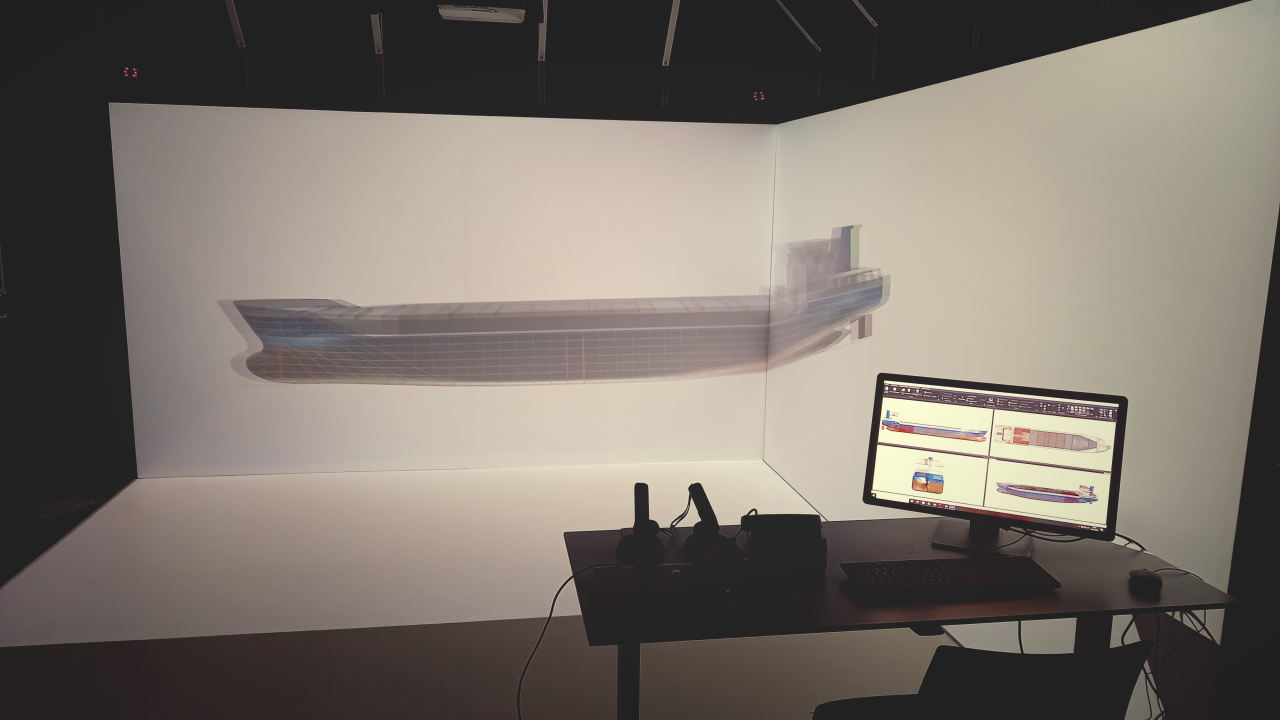
A Decade of Shaping the Future of Learning with VR: UAS Emden / Leer & more3D
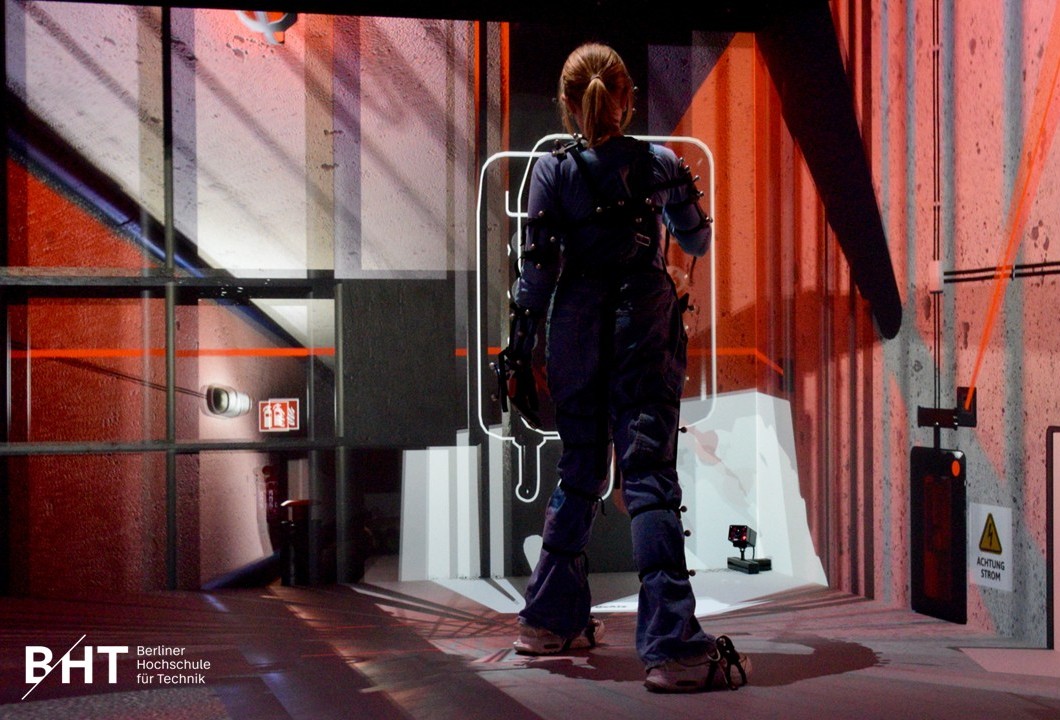
Case Study: The VR CAVE at BHT – Practical Immersion from CAD Models to Mozzarella
Does a VR CAVE Make Sense for My Business or Workflow?
moreViz in Action with VR CAVES
See VR CAVE Demo Videos
Practical Use Cases of VR CAVEs and DOMEs
Effective Use of VR CAVEs and DOMEs
Team Design Reviews
Review CAD models at 1:1 scale, explore tolerances, and validate designs collaboratively.
Architecture & BIM
Review CAD models at 1:1 scale, explore tolerances, and validate designs collaboratively.
Sales & Trade Fairs
Present products, variants, and concepts impressively before they are physically built.
Research Visualization
Explore together complex simulations, datasets, and spatial structures in immersive 3D.
Training & Education
Visualize complex data, concepts, or simulations in a way that’s intuitive and memorable.
Museums & Exhibits
Build interactive exhibits and immersive stories that captivate diverse audiences.
VR CAVEs at University
Virtual or Simulation Lab
Better Understanding
Explore complex models in 3D and real scale.
Real-World Preparation
Students gain skills and confidence to apply them
Higher Learning Success
Improve engagement, retention, and practical understanding.
Safe & Cost Effective
Simulate experiments that otherwise are too costly or risky.
CAVE optimised for Multi-User VR
Advanced Multi-User VR Visualization
With our partner xCAVE we combine the advantages of a large stereoscopic CAVEs with individual user perspectives. Several users can view the same 3D scene from their own tracked position. This allows several people to explore the same 3D scene together while maintaining natural communication in the room.
VR DOME and VR CAVE
Frequently asked Questions about VR CAVE systems
Is Local & Remote Collaboration possible?
With moreViz, CAVE and Dome setups become hybrid-ready:
On-site teams interact using laser pointers or tracked devices.
Remote users with HMDs (e.g., Quest, Vive, Varjo) join sessions in real time.
Team Review Mode allows shared or independent navigation across users.
What does a typical VR CAVE setup look like?
A typical VR Dome for museums or public installations includes:
- Projectors: 1–6 projectors depending on dome size and resolution
- Calibration: Auto-alignment via VIOSO Anyblend or similarDome size: 4–8 m diameter, inflatable or fixed structure
- Audio: 5.1 or ambisonic sound system for full immersion
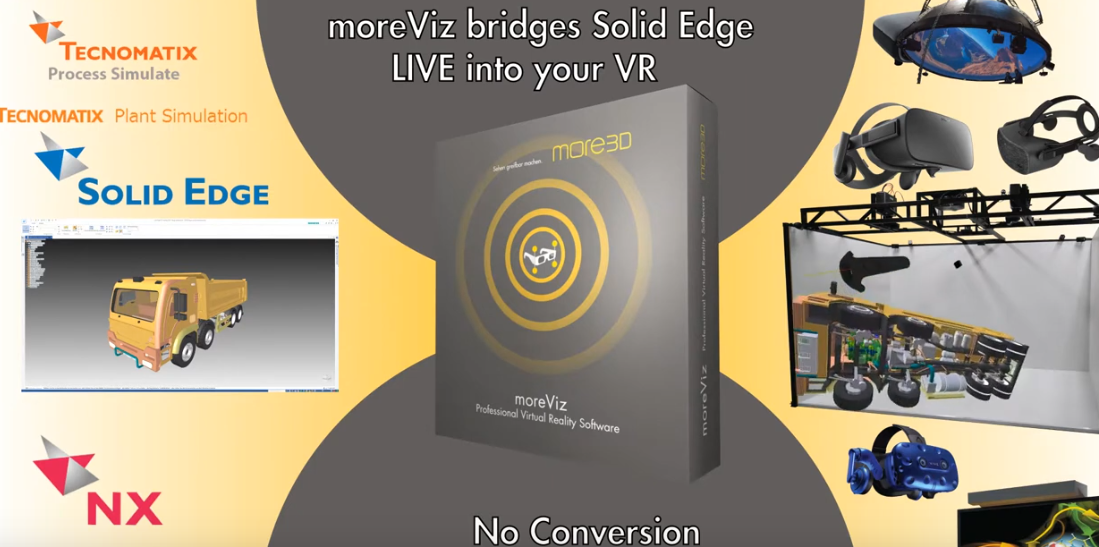
- Software: moreViz for direct integration with CAD and simulation tools
What does a realistic VR Dome setup look like?
A typical VR Dome for museums or public installations includes:
Projectors: 1–6 projectors depending on dome size and resolution
Calibration: Auto-alignment via VIOSO Anyblend or similar
Dome size: 4–8 m diameter, inflatable or fixed structure
Content: Real-time apps, pre-rendered shows, interactive exhibits
Audio: 5.1 or ambisonic sound system for full immersion
Control: Tablet, touchscreen, or laser pointer interface
How many users can interact at once in a VR CAVE and DOME?
This depends on the system size, tracking setup, and use case. Typically, 5 – 6 tracked users can actively interact within the CAVE or Dome, while additional participants can observe the experience without tracking.
What are the key advantages over HMDs?
No headset = no discomfort or motion sickness
Shared experience for multiple users in the same space
Clear communication with real gestures and eye contact
Higher image quality (no screen-door effect, sharper visuals)
Ideal for education, training, presentations, and team collaboration
Easier onboarding – no setup time or calibration per user
How much does a VR CAVE or VR DOme cost?
Costs vary enormously depending on complexity. Professional projection systems may start around €50,000 – €100,000 for the hardware, while larger multi-wall immersive environments can extend well into several hundred thousand euros or more.
Practical VR insights
Stay up to date with more3D
Get useful insights for VR projects, new moreViz features and real-world case studies. No hype. Just practical information for planning and using VR effectively.
How the VR Visualization Works
From CAD to VR in Minutes
Bringing your designs into virtual reality has never been easier. With moreViz, you can view and interact with your existing 3D models – without modifying your source code or exporting files. Just 3 simple steps.
Step 1 - Install moreViz Software
Install moreViz, connect your VR hardware, and follow our step-by-step guide - or let us support you directly.
Step 2 - Launch Your Application
Start your OpenGL software - like Siemens NX or PTC Creo - and see your 3D model in full-scale VR, instantly.
Step 3 - Explore, Present, Decide
Walk through your design and run virtual reviews. We’re happy to help with setup and maintenance.