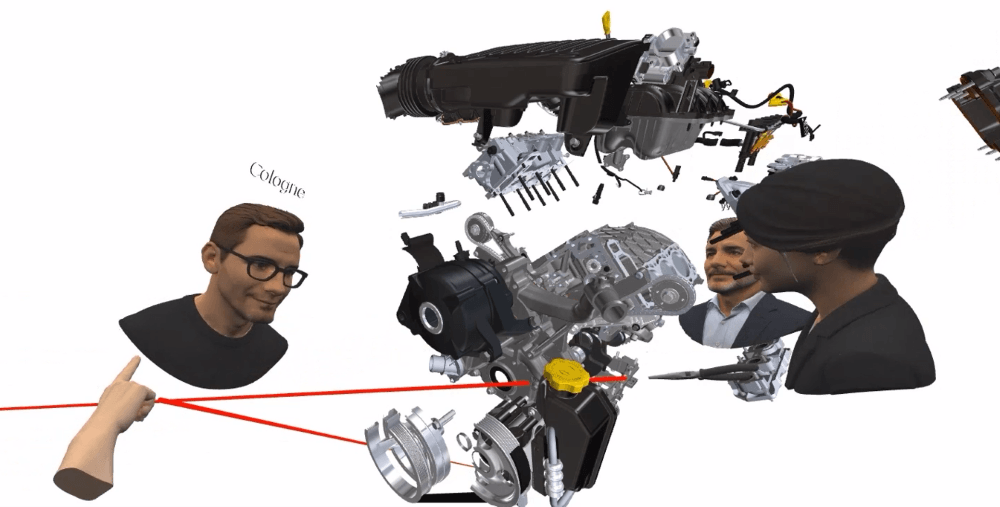
94% of large EU companies do remote collaboration. It’s no longer the exception. It is part of everyday work. But sharing a screen is not always enough.
Of course, there is no meaning in moving every meeting into the metaverse or just watching avatars gather around in virtual rooms. That can be fun, but might not be a case of VR significantly improving a meeting.
However, the interesting part starts when people need to work together on 3D data and spatial understanding becomes part of the problem.
VR adds value when understanding space is important to the task.
For example, Engineers may need to review a machine with suppliers at another site. Researchers may want to explore complex 3D data with international partners. Lecturers may want students to experience a model together instead of simply watching it on a screen.
A machine, factory, scientific model or simulation has scale, depth and spatial relationships —which are naturally better understood in VR than on a 2D screen. Moreover, during a normal video call, one person usually controls the view while everyone else watches. In collaborative VR, participants can enter the same 3D environment and explore it together.
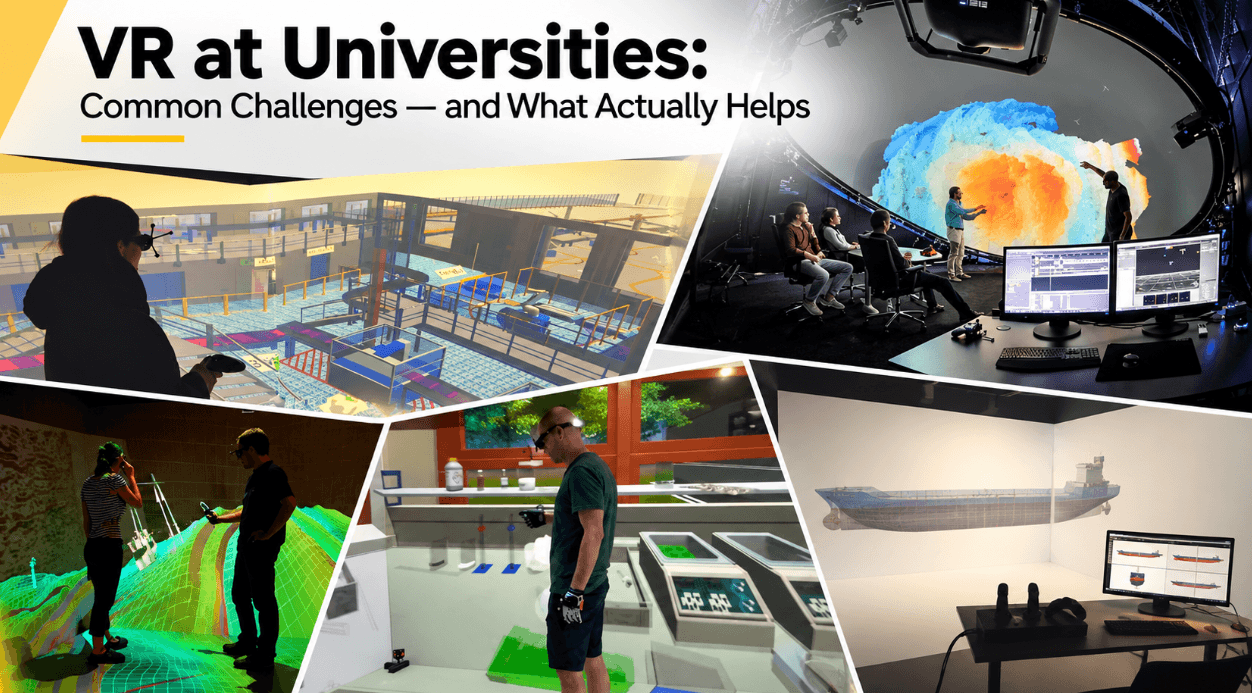
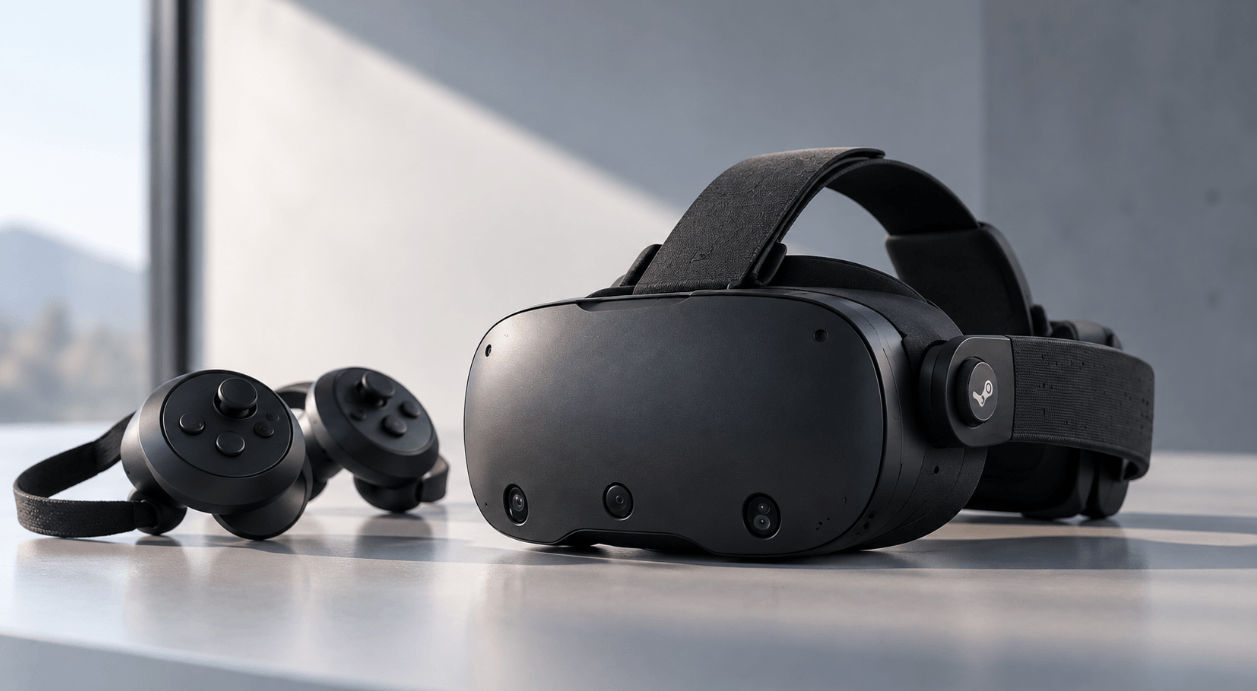
And that does not necessarily mean everyone wearing a HMD (VR headset). Collaboration can happen remotely with HMDs, locally in a CAVE or on a Powerwall — or as a combination of these systems.
Collaboration can happen remotely with HMDs, locally in a CAVE or on a Powerwall — or as a combination of these systems.
Where VR Collaboration Works Best
International Design Teams
Aerospace, automotive and industrial design often involve teams, suppliers and customers across several locations. Instead of discussing a model only through screenshots, PDFs or screen sharing, immersive 3D allows participants to inspect products at scale, evaluate ergonomics or accessibility and discuss design decisions around the model itself.
Example: Collins Aerospace uses VR and AR during aircraft cabin development. Customers and designers can experience different cabin concepts virtually before physical mock-ups are produced. Collins says these techniques allow several design variations to be evaluated without building separate mock-ups, saving thousands of design hours and costs.
Factory and Production Planning
Factories are inherently spatial. Machine positions, logistics routes, clearances and working areas can be difficult to judge from drawings alone.
Example: BMW uses digital twins of more than 30 production sites for virtual factory planning. Teams can collaborate across disciplines on layouts, logistics, robotics and production processes before changes are made physically. BMW is targeting a reduction of up to 30% in production-planning costs through its Virtual Factory.
Research and Science
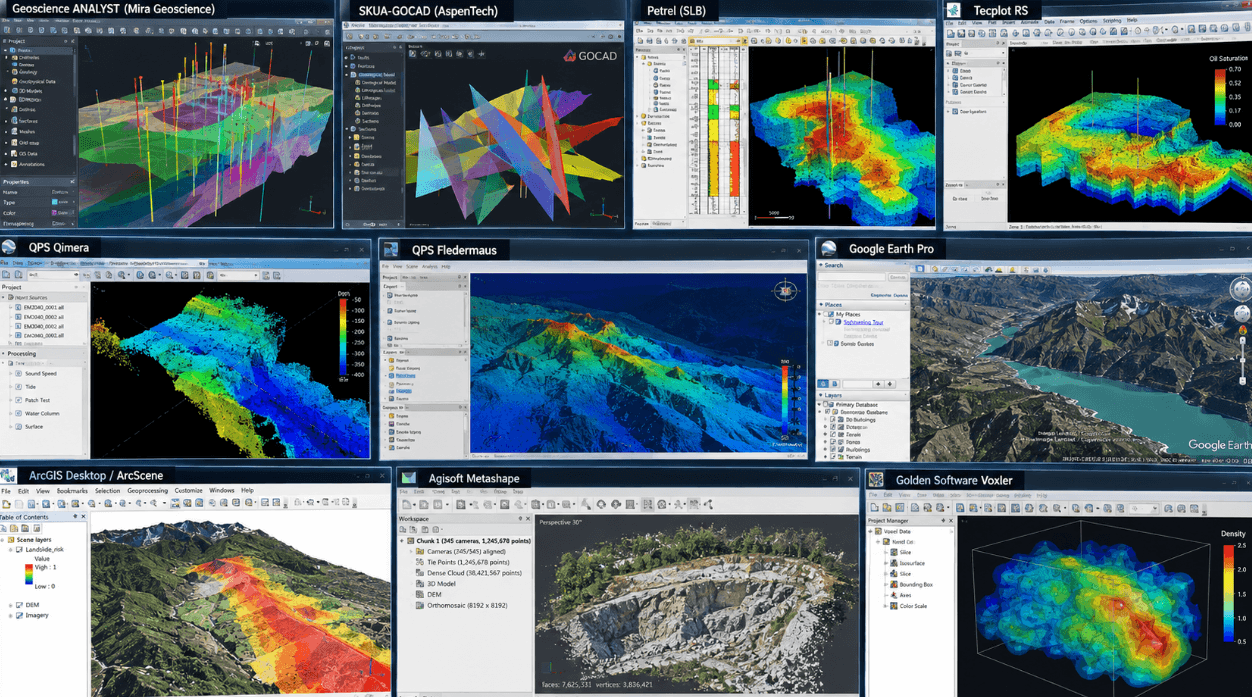
Researchers often work with data that is naturally three-dimensional: geological structures, medical scans, simulations, molecular models or complex engineering results. VR allows several researchers to explore such information spatially instead of analysing it only through fixed views on separate monitors. This becomes particularly useful for international research projects, where specialists from different disciplines and institutions need to understand the same dataset.
Example: At Hochschule Zittau/Görlitz (Germany) VR is used for live immersive sessions with partners in Shanghai, allowing distributed teams to inspect and discuss the same virtual models in real time.
Education and Training Across Locations
VR can also connect students and training participants who are not at the same location. Students can access the same virtual experiments, models or training scenarios without requiring the physical equipment to be available at every campus.
Example: Platforms such as Virti show how immersive training can be distributed internationally across universities, hospitals and organisations, allowing globally distributed learners to access the same training content.
The Right Setup: Remote, Local and Hybrid VR Collaboration
There are different hardware setups for collaborative VR, depending on the use cases.
Remote Collaboration With HMDs
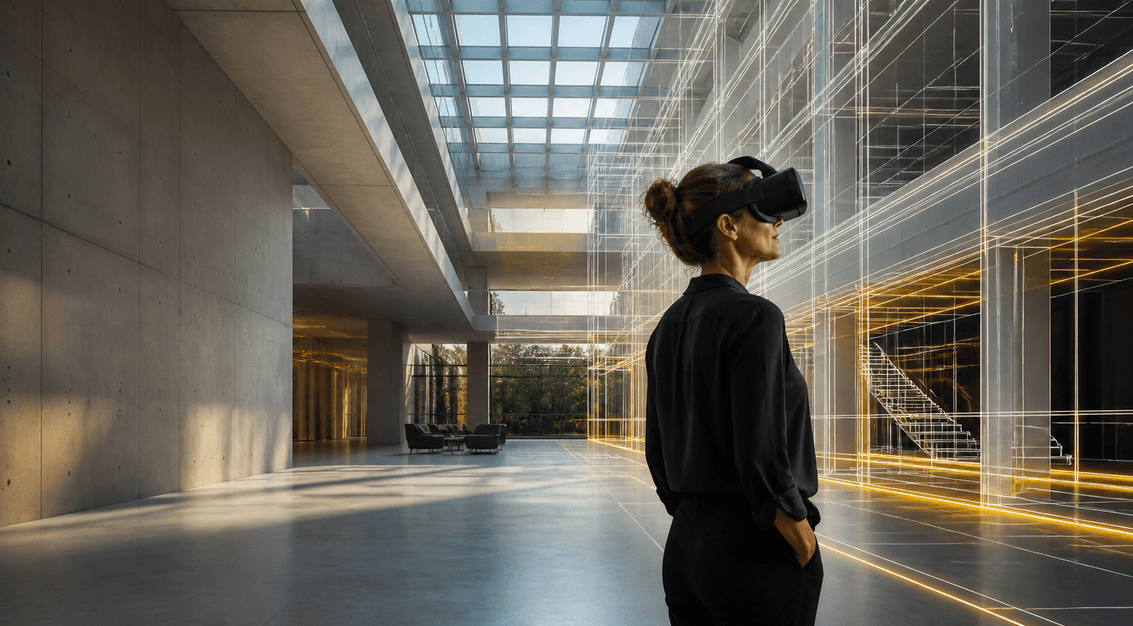
VR headsets are well suited to distributed users. Participants can join from different locations, move independently through the same environment and communicate by voice. HMD setups can also be relatively portable, making them useful across different sites or when on field trips.
This can reduce the need to bring specialists, suppliers, researchers or project partners physically together for every review. Even customer support and training can be done remotely saving significantly travel cost and time.
Collaboration With Powerwalls and CAVEs
For groups working at one location, a Powerwall or CAVE can be the better option.
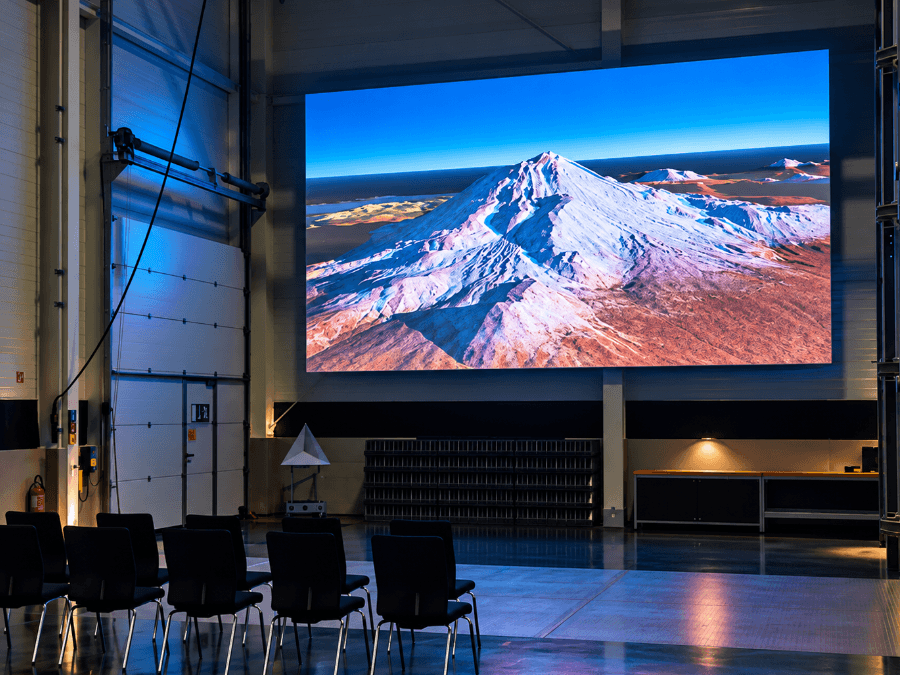
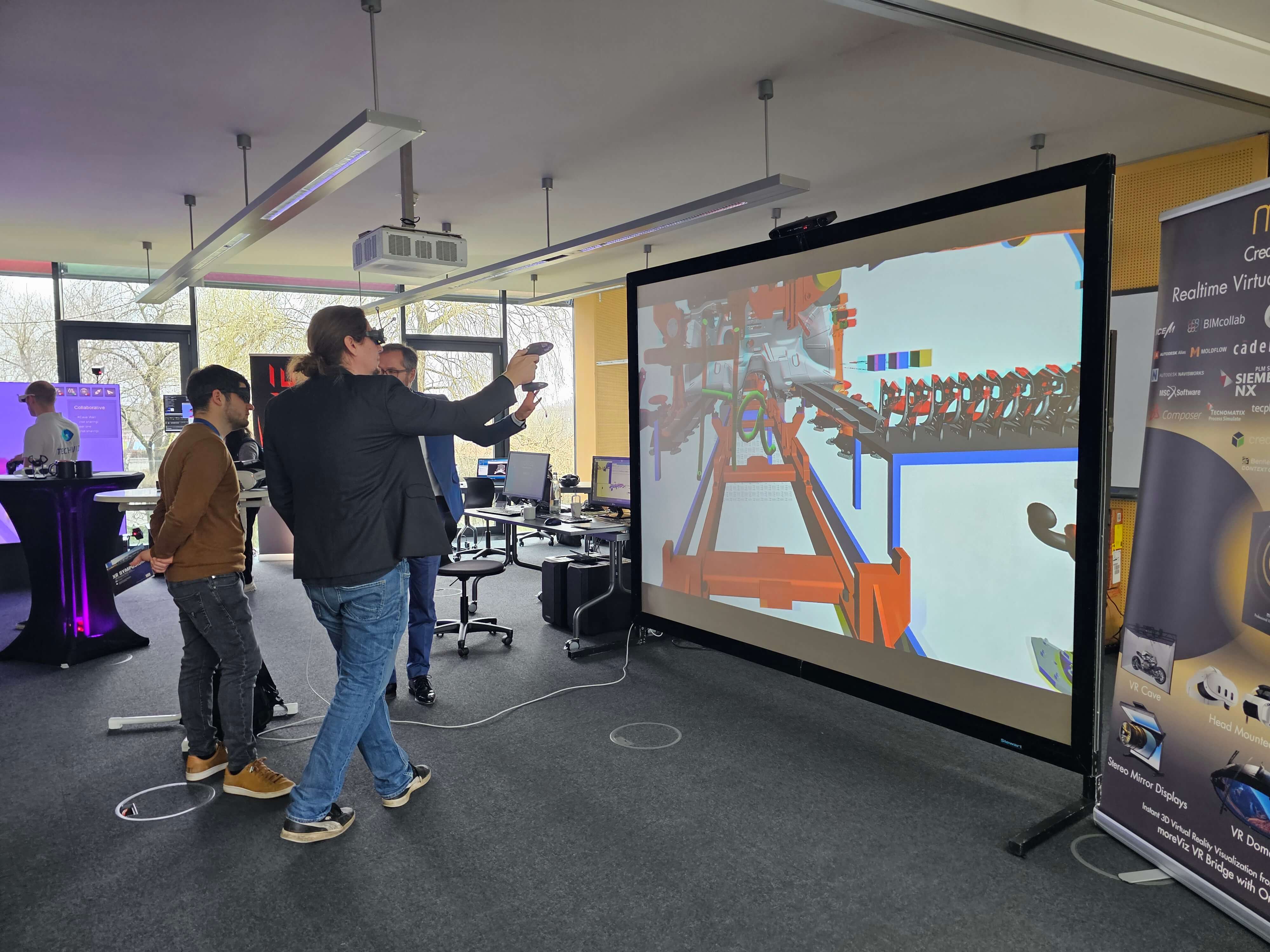
A Powerwall displays stereoscopic 3D content on a large screen. Participants can experience depth and scale while still seeing, speaking to and interacting naturally with the people around them.
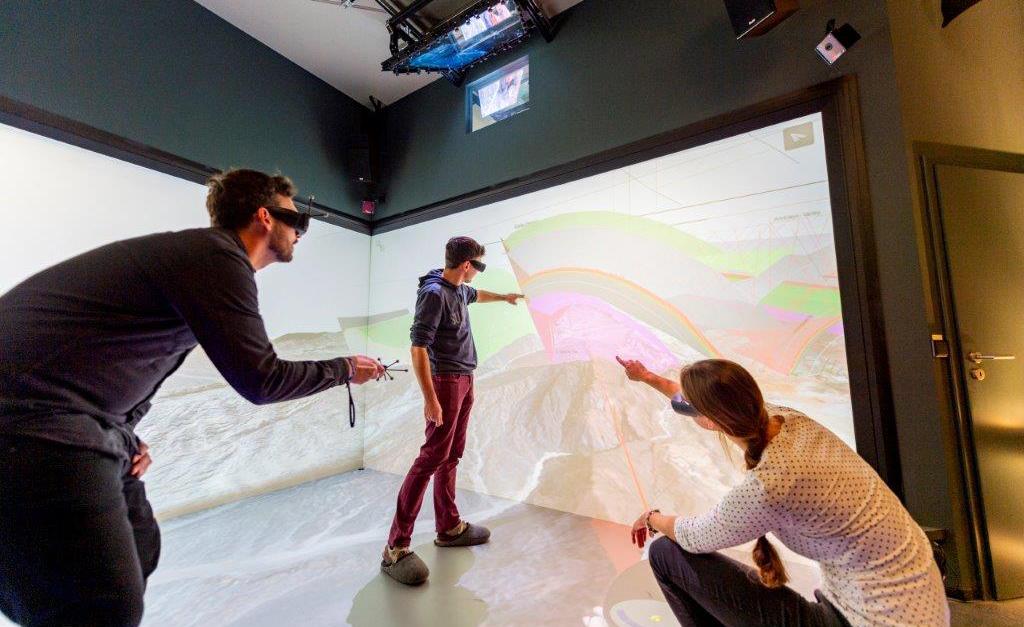
A CAVE surrounds users with several projection surfaces, creating a more immersive shared environment. This allows for even groups to immerse together.
Both can work well for:
design and factory reviews
scientific visualization
university teaching
research projects
customer and stakeholder presentations
With advanced multi-view systems such as xCave Technology, several users can even receive individually tracked perspectives while standing in front of the same Powerwall.
Hybrid Collaboration
The different approaches can also be combined. With moreViz Collabo, for example, a local team could review a model on a Powerwall while a supplier joins through an HMD. Researchers working inside one CAVE could collaborate with colleagues using other supported VR systems at another institution.
The participants do not need identical hardware. With moreViz they can still access to the same VR environment.
The Role of a VR bridge like moreViz
One practical problem with professional VR often appears before the VR session even starts: How do you get your existing 3D data into VR?
Many workflows require a separate chain of exports, conversions and imports. That may be acceptable for a one-off presentation. It quickly becomes inconvenient when CAD models or simulations change regularly.
moreViz is a real-time VR bridge.
For 50+ supported applications, it connects your existing CAD, simulation or 3D software directly to an HMD, Powerwall, CAVE, Dome or other supported display — without requiring a separate model export or conversion.
The live link is particularly useful for collaboration. Changes made in your CAD or 3D software remain available in the VR environment, instead of requiring a new VR model to be prepared for every revision.
With Collaboration Mode, participants work with the same live scene while still being able to move and explore independently. The moreViz collaboration router synchronizes user positions and interactions across connected clients and supports LAN, VPN and internet-based connections.
Tools for Working Together
moreViz provides a practical toolbox directly inside VR. Depending on the session, users can:
draw and annotate directly in 3D
take measurements
set markers with custom descriptions
teleport other users to markers or relevant positions
take screenshots and record sessions
communicate through integrated voice chat
use individual avatars and tools
These tools make it easier to discuss a specific location or problem without constantly explaining where everyone should look.
How to Set Up a VR Collaboration System
It is usually not a good idea to start with hardware selection. Better start with the problem.
Define the Use Case. The clearer the problem, the easier it becomes to select the right system.
Identify Users and Locations. Consider: Who needs to participate? Are they working remotely, together in one room or both?
Check Your Software and Data requirements. Which CAD, simulation or 3D application contains the data? How does that information get into VR? This is where the live link of a VR bridge like moreViz becomes important.
Involve IT Early. For remote collaboration, check:
network performance and latency
firewall configuration
GPU and workstation requirements
access rights
software compatibility
data security
Did you know? moreViz does not require your 3D data to be uploaded to a cloud platform. Collaboration can run on local infrastructure and through controlled network connections, which can be useful for confidential engineering and research environments.
Also consider the users themselves:
headset comfort
motion-sickness sensitivity (find out more here how to prevent motion sickness)
session duration
required training
5. Start With a Pilot. A small HMD setup can validate the workflow before investing in larger infrastructure. Test whether users actually benefit from the system, identify technical issues and then scale based on what you learn.
What Does VR Collaboration Cost?
Costs depend heavily on the setup. You could caculate $8,000 – $25,000+ for a professional HMD-based environment, depending on the headset, workstation, software and required support. For professional installations, usually a dedicated workstation for each HMD is needed. Larger multi-user installations therefore scale accordingly.
Larger budgets are required for Powerwalls ($60,000 – $100,000) or VR CAVES ($80,000 – $250,000)+ including displays, tracking, rendering hardware, installation and often room modifications.
Also consider:
software licences
system integration
networking
training
hardware and software maintenance
room preparation
internal personnel
Do not design only for today’s requirements either. Additional users, locations or applications may be added later, while VR hardware will continue to change. A scalable setup protects the investment. Find here our guide to get started with VR.
Lessons Learned From Real Projects
Specifications tell you what a system can do. Operating one teaches you what actually matters.
Keep the Workflow Simple
Users want to work with their machine, simulation or research data — not spend time preparing the VR system. Every unnecessary export, conversion or configuration step adds friction.
Assign Responsibility
At BHT Berlin, operating a larger CAVE requires around 10–15 hours per week for administration, maintenance and user support. Their experience showed, having a dedicated person or team makes a major difference.
A small HMD setup requires far less effort, of course. But someone should still know who is responsible for updates, onboarding and technical problems.
Involve Users Early
Engineers, researchers and lecturers may use the same VR technology very differently. Let the people who will actually work with the system test it before major hardware and workflow decisions are finalised.
Plan the Unexciting Details
Networking, cabling, cooling, available space and support responsibilities can determine whether a project succeeds. They are less impressive than an 8K Powerwall. Unfortunately, they are harder to ignore.
Start Small and Expand
A pilot can reveal workflow problems before they become expensive infrastructure problems. Once the use case works, additional locations, HMDs or larger immersive systems can be added based on real demand.
Conclusion: Share the Space, Not Just the Screen
VR collaboration is not a replacement for Teams, conventional 3D software or physical meetings. It solves a more specific problem. When people need to understand complex 3D information together, a flat screen can limit the discussion.
Collaborative VR gives them a shared spatial context — whether they use headsets in different countries, stand together inside a CAVE, review a model on a Powerwall or combine several of these systems.
And that is ultimately the point: not to make meetings simply more virtual or fancier, but to make complex 3D discussions easier.
Want to explore what VR collaboration could look like for your own application or project? Talk to us or start with a free 14-day moreViz trial.